
As we enter the era of Internet 2.0, businesses are embracing AI-driven automation like never before. Thanks to innovative technology, tasks that once required hours of manual effort are now completed in seconds. From customer management to data analytics, businesses optimize workflows with just a few clicks, making operations smoother and more efficient.
However, while automation has simplified many aspects of business, financial management remains a challenge. With so many accounting and bookkeeping solutions, choosing the right tool can quickly become overwhelming. The sheer variety of software—each promising to streamline financial tasks—makes it difficult to determine which one truly fits your business needs.
No matter how advanced business tools become, one thing remains unchanged—keeping track of your finances is essential. Even the most promising businesses can struggle with cash flow issues, compliance risks, and financial inefficiencies without proper bookkeeping. Manual bookkeeping is time-consuming, prone to errors, and can lead to financial discrepancies, which is why bookkeeping software has become indispensable. These tools enable businesses to manage their finances efficiently and with greater accuracy by automating key financial tasks.
With AI-driven automation and cloud-based accounting, 2025’s bookkeeping tools offer smarter, more intuitive solutions. Businesses now have access to real-time financial data, automated invoicing, expense tracking, and payroll integration—all in one platform. Whether you’re a startup, local business, or enterprise, these tools help streamline financial operations to fit your unique needs.
We’ve compiled a list of the top 10 bookkeeping tools in 2025, breaking down their features, pricing, pros, and cons to help you choose the best solution for your business.
So, let’s get started!
1. Xero
.png?width=2880&height=1626&name=1%20(3).png)
Xero is a cloud-based accounting software developed for small and medium-sized businesses. Known for its intuitive interface and powerful integrations, Xero simplifies bookkeeping tasks such as bank reconciliation, invoicing, and financial reporting.
Essential Features
- Automated bank reconciliation
- Invoicing and expense tracking
- Payroll management and tax calculations
- Multi-currency support for global businesses
Pros
Cons
User-Friendly Interface: Xero offers an intuitive and easy-to-navigate interface, making it accessible for users with varying levels of accounting expertise.
Strong Integration Capabilities: Integrates seamlessly with over 1,000 third-party apps, including payment processors, CRM systems, and e-commerce platforms, enhancing its functionality.
Comprehensive Feature Set: Provides features like bank reconciliation, invoicing, expense tracking, and inventory management.
Unlimited Users: Allows unlimited users across all pricing plans, facilitating team collaboration.
Limited Customer Support: Users have reported challenges accessing timely customer support, as Xero primarily offers online support without a direct phone line.
Pricing Constraints on Entry-Level Plan: The basic plan restricts users to sending only 20 invoices and entering five bills per month, which may be limiting for growing businesses.
Payroll Limitations: Payroll functionality is limited to specific regions, which may not be suitable for businesses outside these areas.
Ideal for: Startups and small businesses looking for a comprehensive, cost-effective accounting solution.
2. Zoho Books
.png?width=2880&height=1622&name=2%20(1).png)
Zoho Books is part of the Zoho ecosystem, offering seamless integration with Zoho CRM and other business tools. It provides an affordable yet feature-rich solution for bookkeeping.
Essential Features
- Automated workflows for bookkeeping tasks
- Inventory management for businesses dealing with physical products
- Expense tracking and reporting
- Tax compliance and audit trails
Pros
Cons
Affordable Pricing: Offers competitive pricing plans, including a free tier for companies with revenue below a specific threshold, making it accessible for small businesses and freelancers.
Advanced Automation Features: Provides automated workflows, recurring invoices, and payment reminders, reducing manual effort and enhancing efficiency.
Seamless Integration with Zoho Ecosystem: Integrates effortlessly with other Zoho products like Zoho CRM, enhancing overall business process management.
Comprehensive Mobile App: The mobile application consistently allows users to manage invoices, expenses, and reports.
Limited Payroll Support: Payroll functionality is not available in all countries, which may be a drawback for international businesses.
Steep Learning Curve: New users may find the array of features overwhelming, necessitating a learning period to utilize the software effectively.
Additional Costs for Users: While the base plans are affordable, adding extra users incurs additional fees, which can increase costs for larger teams.
Ideal for: Businesses already using Zoho products or seeking a budget-friendly bookkeeping solution.
3. FreshBooks
.png?width=2869&height=1620&name=3%20(3).png)
FreshBooks is a cloud-based bookkeeping tool explicitly curated for freelancers and service-based businesses.
Essential Features
- Time tracking and invoicing
- Expense categorization
- Multi-user collaboration
- Payment processing integrations
Pros
Cons
Intuitive Invoicing: Offers customizable and professional invoicing capabilities, including automated payment reminders and late fee charges.
Time Tracking: Built-in time tracking feature is beneficial for freelancers and service-based businesses to log billable hours.
User-Friendly Dashboard: The dashboard provides a clear financial health overview, easy navigation & insightful summaries.
Mobile Accessibility: Mobile app that allows users to manage finances, send invoices, and capture receipts on the go.
Limited Customization for Reports: Reporting capabilities are less advanced, with limited customization options compared to competitors.
Client Limitations on Lower Plans: Entry-level plans restrict the number of billable clients, which may necessitate upgrading as the business grows.
Higher Pricing for Advanced Features: Access to more advanced features requires subscribing to higher-tier plans, increasing the overall cost.
Ideal for: Freelancers, self-employed professionals, and small agencies who need simple yet efficient bookkeeping.
4. NetSuite (by Oracle)
.png?width=2871&height=1621&name=4%20(2).png)
NetSuite is an enterprise-level bookkeeping and ERP (Enterprise Resource Planning) system that provides advanced financial management.
Essential Features
- Multi-location and multi-currency support
- Advanced financial reporting
- Automated accounts payable and receivable
Pros
Cons
Highly Scalable: Devised to accommodate the needs of growing businesses, offering advanced features suitable for mid-to-large enterprises.
Comprehensive ERP Solution: Provides a full suite of enterprise resource planning tools, including advanced financial management, CRM, and e-commerce capabilities.
Real-Time Data and Reporting: Customizable dashboards and reports offer visibility into real-time financial and operational performance.
Global Business Management: Supports multiple currencies, languages, and subsidiaries, making it ideal for multinational organizations.
High Cost: Premium pricing may be prohibitive for small businesses or startups with limited budgets.
Complex Implementation: The implementation process can be lengthy and complex, often requiring professional assistance.
Steep Learning Curve: Users may require substantial training to utilize the platform effectively due to its extensive feature set.
Ideal for: Mid-to-large businesses with complex financial needs.
5. Sage Accounting
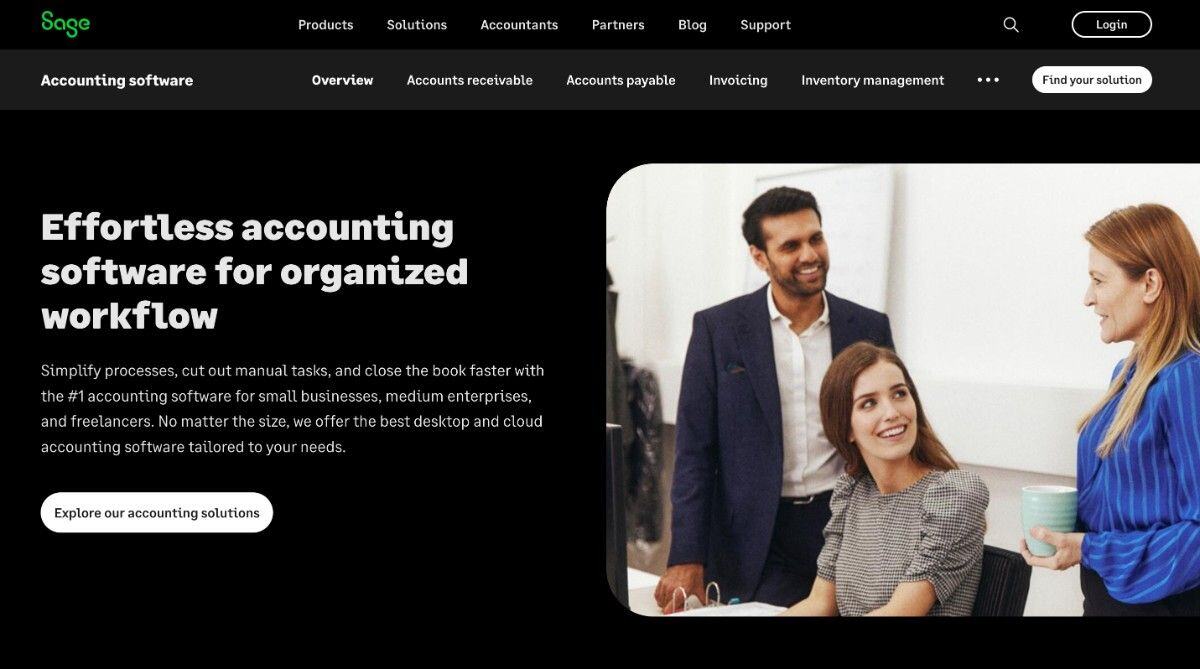
Sage Accounting is immensely useful for businesses seeking scalability and flexibility in financial management.
Essential Features
- Cash flow tracking
- Payroll integration
- Invoice management and forecasting
Pros
Cons
Scalable Solutions: Offers various plans to scale with business growth, accommodating increasing accounting needs.
Strong Customer Support: Provides reliable customer service with multiple support channels, including phone and chat.
Comprehensive Feature Set: Includes cash flow management, invoicing, and financial forecasting features.
Cloud-Based Accessibility: Being cloud-based, it allows access to financial data from anywhere, facilitating remote work.
Potential Overwhelm for Beginners: The extensive features may be overwhelming for users new to accounting software.
Limited Third-Party Integrations: Offers fewer integrations compared to some competitors, which may limit its adaptability.
Mobile App Limitations: The mobile application lacks some functionalities that are available on the desktop version.
Ideal for: Businesses looking for long-term, scalable solutions.
6. ZipBooks
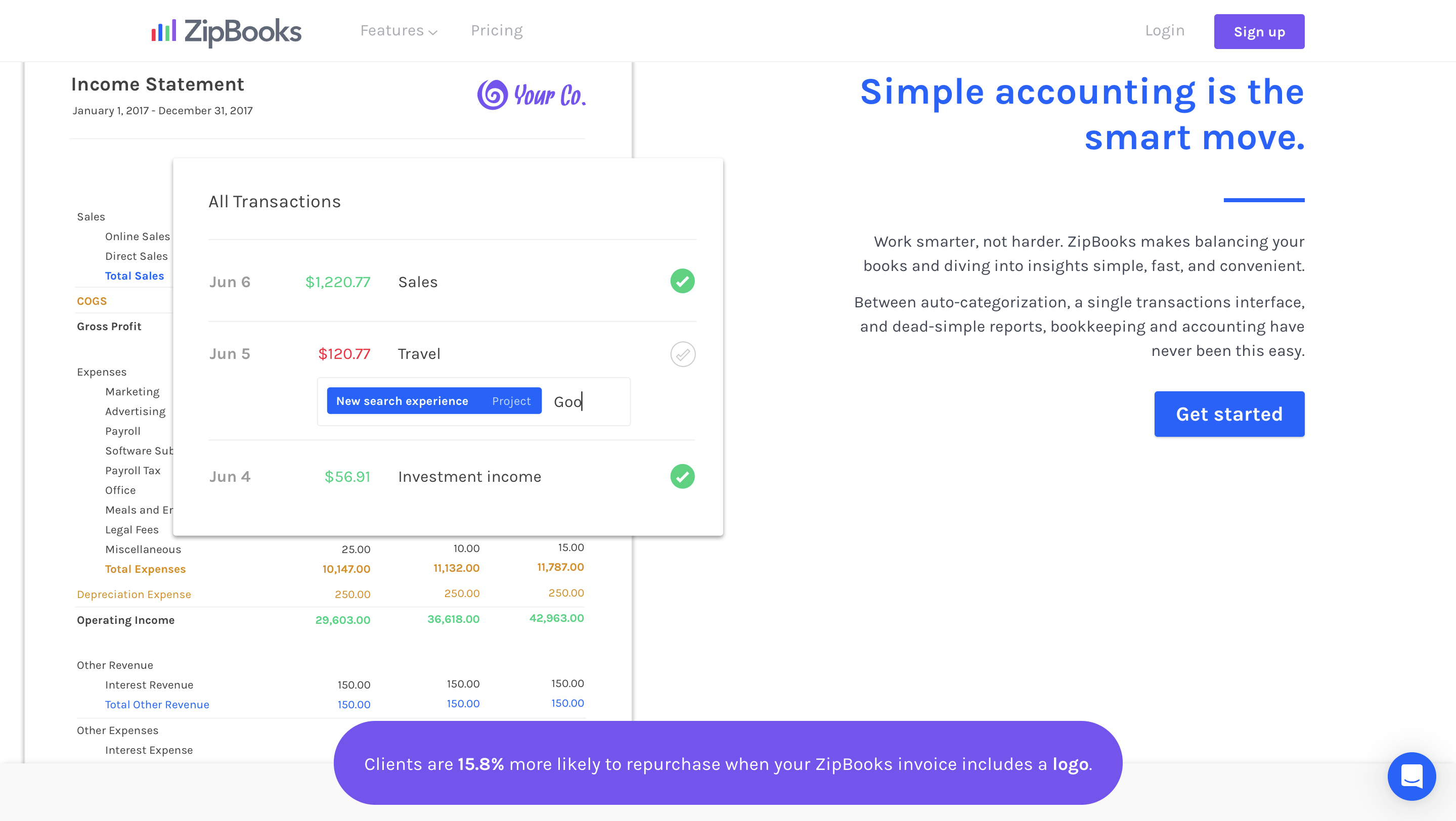
ZipBooks is a free bookkeeping software with optional paid upgrades.
Essential Features
- Smart expense categorization
- Automated bookkeeping
- Time tracking and project billing
Pros
Cons
Free Basic Plan: Offers a free tier with essential bookkeeping features, making it accessible for freelancers and small businesses.
Intuitive Interface: User-friendly UI simplifies navigation and reduces the learning curve.
Smart Expense Categorization: Automatically categorizes expenses, saving time and improving accuracy.
Project Management Features: Includes time tracking and project-based billing, beneficial for service-oriented businesses.
Limited Features in Free Plan: The free version lacks advanced features, necessitating an upgrade for growing businesses.
Fewer Integrations: Offers limited third-party integrations compared to other accounting software.
Ideal for: Small businesses and freelancers looking for cost-effective bookkeeping software.
7. Tipalti
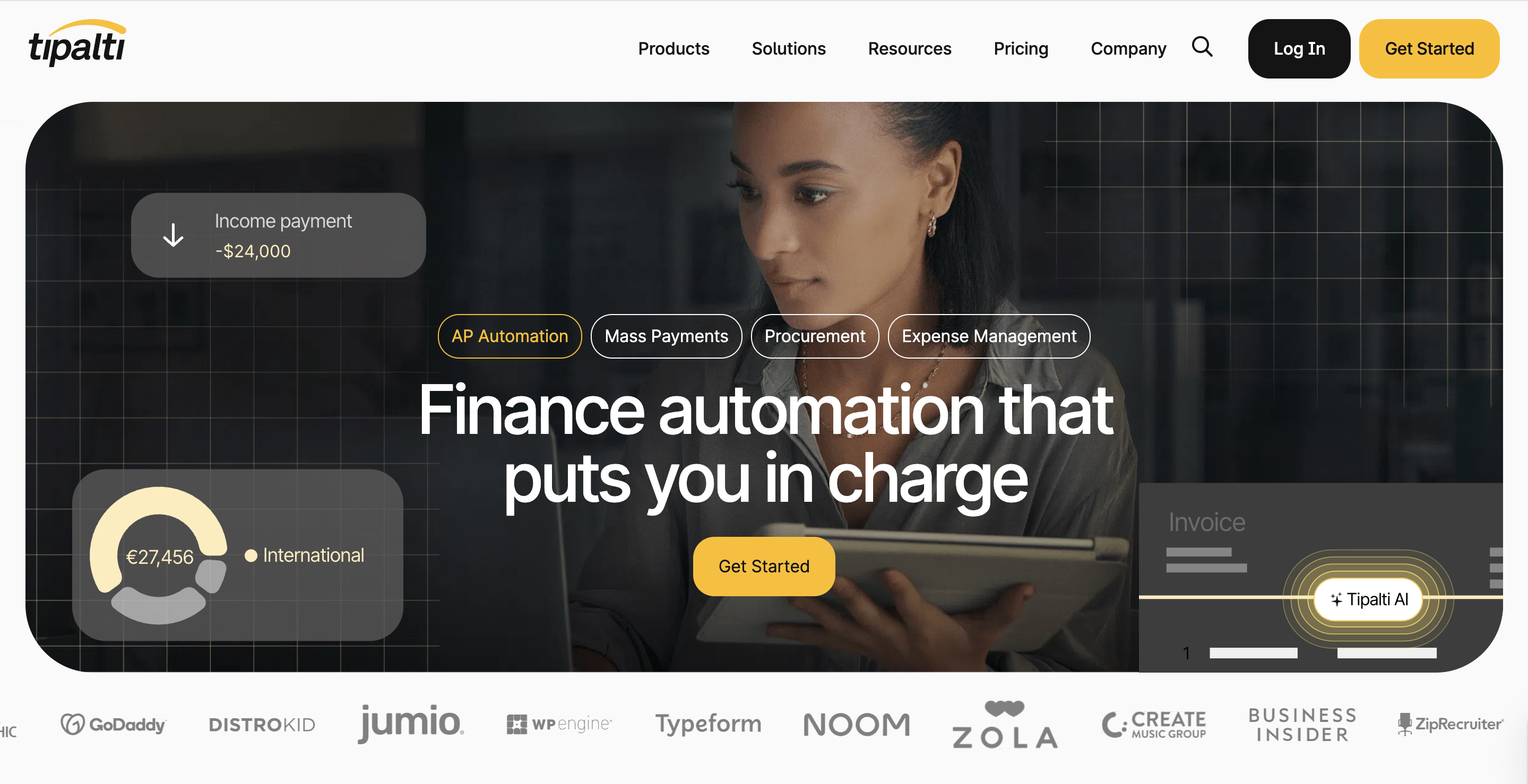
Tipalti is developed for accounts payable automation, making it ideal for businesses managing supplier payments globally.
Essential Features
- Automated invoice processing
- Global payments and multi-currency support
- Tax and compliance automation
Pros
Cons
Comprehensive Accounts Payable Automation: Tipalti streamlines the entire accounts payable process, from invoice management to global payments, reducing manual workload and minimizing errors.
Global Payment Capabilities: Supports payments in multiple currencies across over 190 countries, making it ideal for businesses with international operations.
Tax Compliance Automation: Automates tax form collection and validation, ensuring compliance with IRS regulations and reducing the risk of penalties.
Supplier Management Portal: Provides a self-service portal for suppliers to manage their information, enhancing data accuracy and reducing administrative tasks.
Limited Features in Free Plan: The free version lacks advanced features, necessitating an upgrade for growing businesses.
Fewer Integrations: Offers limited third-party integrations compared to other accounting software.
Ideal for: Companies with international suppliers and high transaction volumes.
8. Paychex

Paychex is a payroll service incorporating bookkeeping features for businesses looking for an all-in-one HR and accounting solution.
Essential Features
- Automated payroll processing
- Benefits and HR management
- Tax calculations and filing
Pros
Cons
Comprehensive Payroll Services: Offers persistent payroll processing with tax calculations, filings, and compliance management.
HR Management Tools: Includes features for benefits administration, onboarding, and employee management, providing a holistic HR solution.
Scalable Solutions: Caters to businesses of various sizes, from small to large enterprises, with customizable service packages.
Dedicated Support: Provides access to HR professionals and customer support to assist with compliance and HR-related queries.
Higher Cost: Comprehensive services come at a premium price, which may be a consideration for small businesses with limited budgets.
Complex User Interface: Some users report that the platform can be challenging to navigate, especially for those new to payroll and HR software.
Additional Fees: Certain services and features may incur extra charges beyond the base subscription fee.
Ideal for: Businesses looking for payroll and bookkeeping in one platform.
9. Wave Accounting
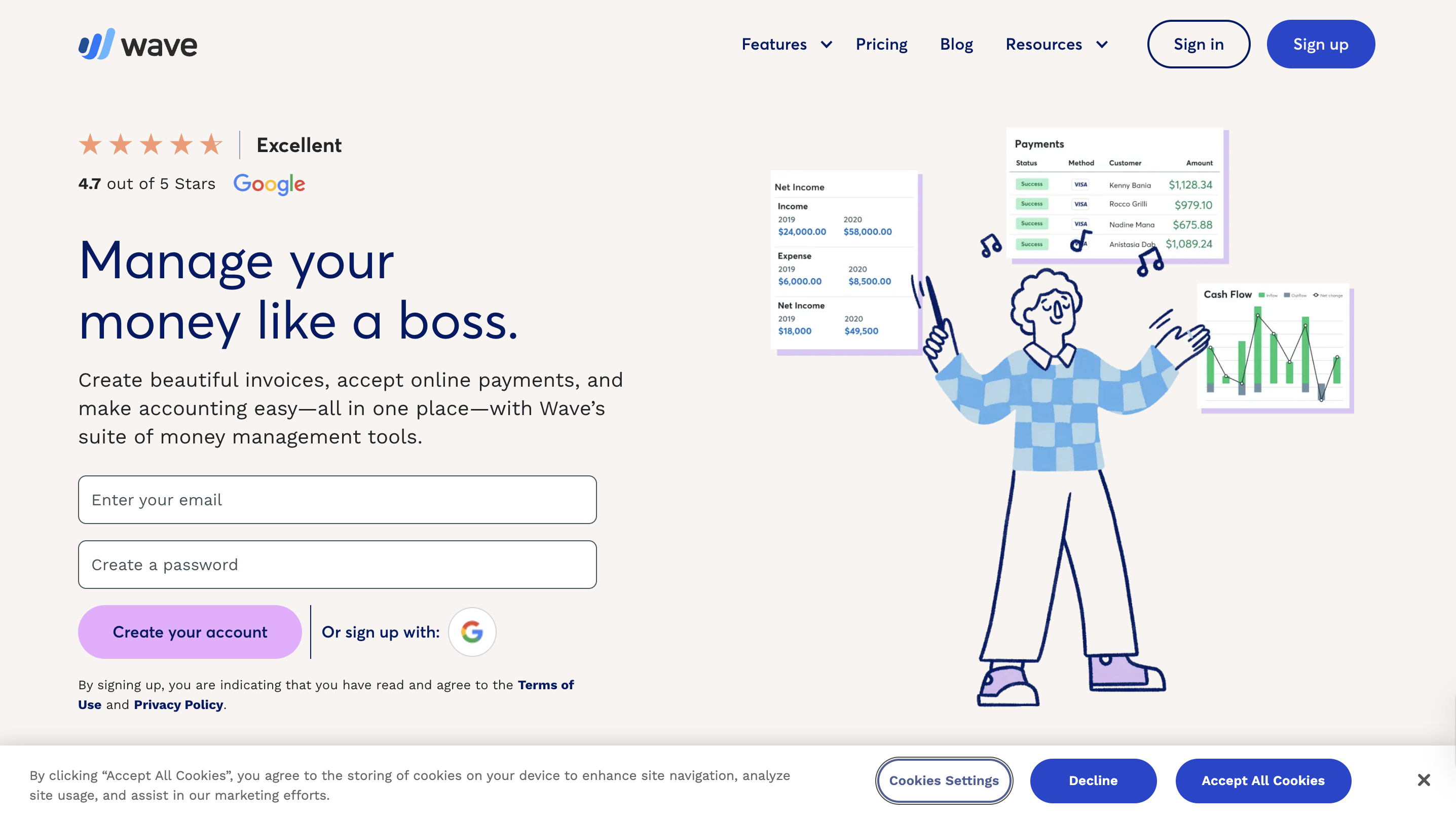
A free bookkeeping software for small businesses.
Essential Features
- Free invoicing and expense tracking
- Built-in payment processing
Pros
Cons
Completely Free Accounting Software: Offers core accounting features at no cost, making it highly accessible for small businesses and freelancers.
User-Friendly Interface: Intuitive user interface simplifies accounting tasks, even for users without prior accounting experience.
Integrated Invoicing and Receipt Scanning: Provides built-in tools for creating invoices and scanning receipts, streamlining expense tracking.
No Hidden Fees: Transparent pricing with no surprise charges; additional services like payment processing are optional and come at a transparent price.
Limited Advanced Features: Lacks some advanced functionalities, such as inventory management and project tracking, which may be necessary for growing businesses.
No Dedicated Customer Support: Support is primarily through self-help resources and community forums, with limited direct support options.
Limited Integrations: Offers fewer third-party integrations compared to other accounting platforms.
Ideal for: Startups and solopreneurs need an easy, free solution.
10. Sage Intacct
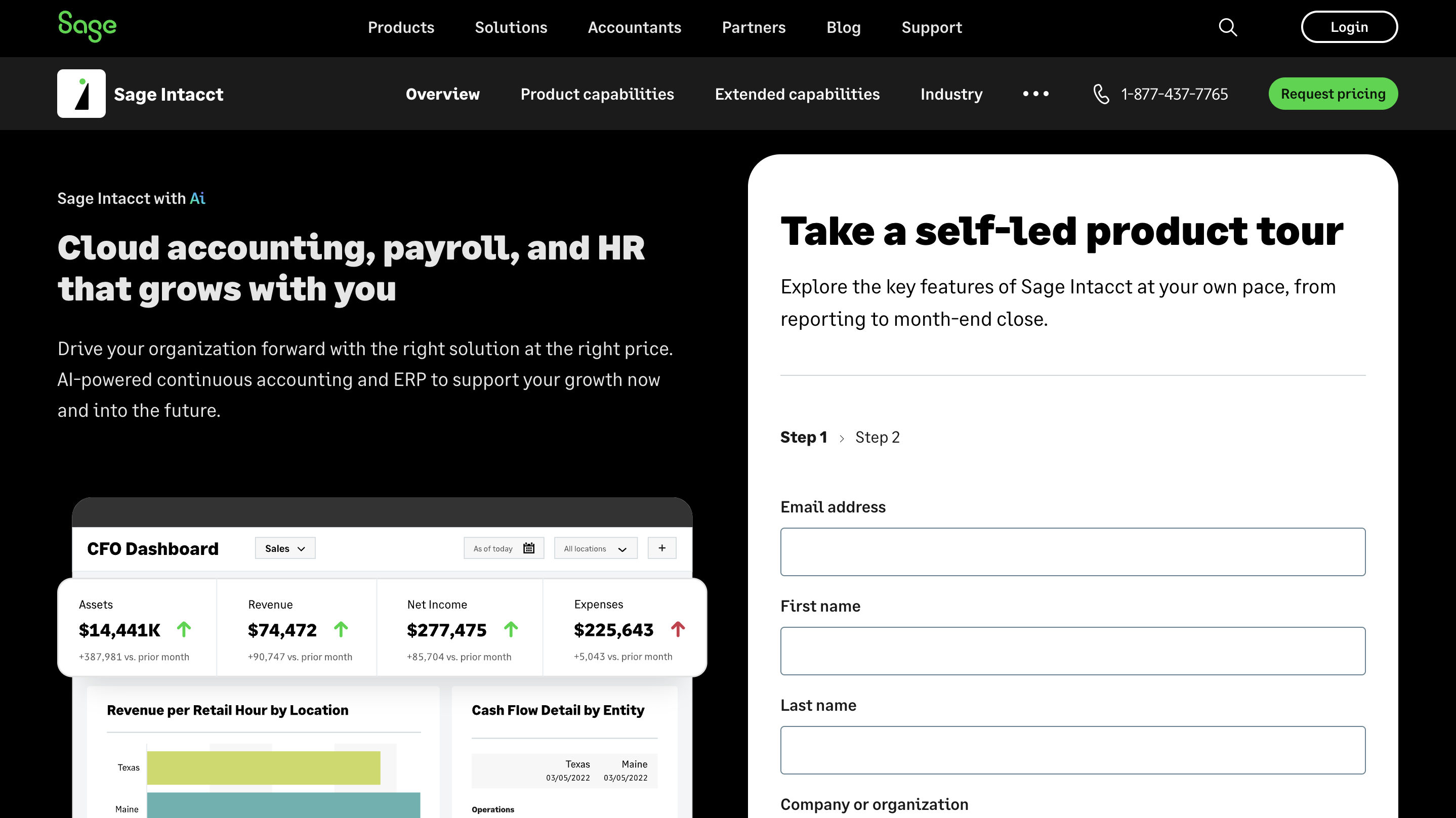
Sage Intact is a platform dedicated to businesses that need scalability and flexibility in financial management. It’s a cloud-based financial management platform.
Essential Features
- Multi-entity accounting
- Advanced analytics and AI insights
Pros
Cons
Efficient Financial Management: Provides comprehensive financial management capabilities, including advanced reporting, multi-entity consolidation, and real-time dashboards.
Scalable and Customizable: Highly scalable to accommodate growing businesses and customizable to fit specific industry needs.
Strong Compliance and Audit Features: Built-in compliance tools and detailed audit trails help maintain regulatory compliance.
Seamless Integration: Integrates well with other business applications, enhancing overall operational efficiency.
Higher Cost: Premium features come at a higher price point, which may be a consideration for smaller businesses.
Steep Learning Curve: The extensive features and customization options may require significant time and training to master.
Customization Complexity: While customizable, setting up and modifying the system to fit specific needs can be complex and may require professional assistance.
Ideal for: Enterprises with complex accounting needs.
With so many options available, it’s easy to feel unsure. While no single solution fits all businesses, focusing on a few essential factors can help you make an informed decision. Before committing to a platform, keep these key considerations in mind:
✅ Affordability – Flexible pricing plans that fit your budget.
Consider software that provides essential features without overextending your financial resources. Scalable pricing ensures you only pay for what you need.✅ Features – Essential functions like invoicing, reconciliation, tax tracking, and reporting.
A well-rounded tool should automate key bookkeeping tasks, helping you save time while maintaining financial accuracy and compliance.✅ Integrations – Compatibility with CRM, payroll, and tax filing software for seamless operations.
Ensure your bookkeeping software integrates with your other daily tools to avoid manual data entry and improve workflow efficiency.✅ Ease of Use – An intuitive interface and reliable customer support for smooth management.
User-friendly navigation and accessible customer support are crucial for minimizing downtime and ensuring effortless financial management.With so many bookkeeping tools available, the right choice depends on what works best for your business. Considering factors like affordability, features, integrations, and ease of use can help you narrow down your options and find a solution that simplifies financial management.
However, if you’re unsure which software aligns best with your business needs, Durity is here to help! Our comprehensive accounting services take the guesswork out of bookkeeping, ensuring seamless financial operations while you focus on growing your business.
Effortless Accounting Services for Your Business - Get Started with Durity
Choosing the right bookkeeping software can be overwhelming, especially with so many options available. If you’re still unsure what best suits your business’s financial needs, let Durity take the stress off your plate!
At Durity, we offer comprehensive bookkeeping and accounting services tailored to your unique business requirements. Whether you need bookkeeping support, accounts payable & receivable management, financial statement preparation, or virtual CFO services, we’ve got you covered.
Why Choose Durity?
🌟 Expert-Led Accounting & Bookkeeping: Our professionals ensure accuracy, compliance, and efficiency in financial management.
🌟End-to-end AP & AR Management: Streamline payments, collections, and cash flow with our accounts payable & receivable solutions.
🌟Accurate Financial Reporting: Get detailed financial statements and insights to make data-driven decisions.
🌟Tax Compliance Support: Ensure your bookkeeping aligns with tax filing requirements for stress-free compliance.
Let us simplify your finances, automate processes, and keep your books in order—so you can focus on scaling your business.
Book a FREE demo and experience hassle-free accounting & bookkeeping with Durity!
Leave a Comment